
Download RunwayML – AI‑Powered Video Editing & Design Suite
Why RunwayML Is the Next‑Generation Creative Engine
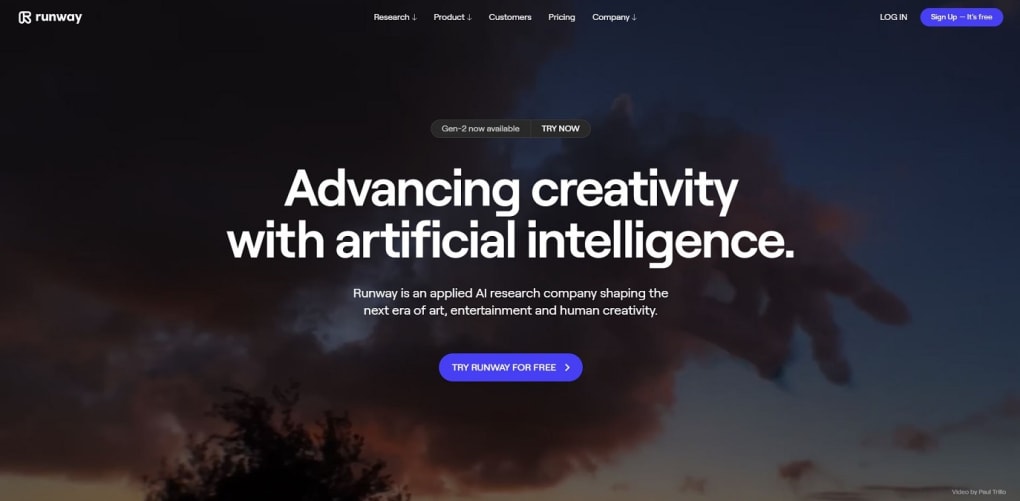
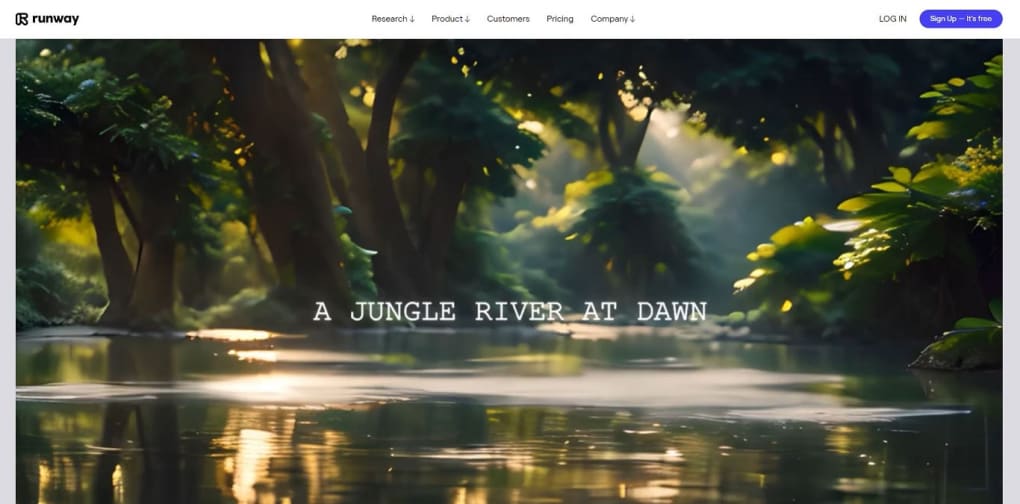
RunwayML is an AI‑powered multimedia design suite that brings together the most powerful features of modern creative tools into a single, cloud‑based dashboard. Whether you are a seasoned video editor, a graphic designer, or a content creator looking for a fast way to generate high‑quality visuals, RunwayML offers a seamless workflow that blends text‑to‑speech, image synthesis, 3D texture generation, color‑grade automation, and a suite of “magic tools” that can edit, mask, and apply VFX with just a few clicks. The platform’s Gen‑2 technology enables you to generate entire video clips from simple prompts, turning ideas into motion graphics in seconds. With free, Starter, and Pro tiers, the tool scales with your needs, unlocking more advanced capabilities as you grow. RunwayML is also built for collaboration, providing secure sharing via URLs, real‑time subtitling, beat detection, and automated noise removal that keep your projects polished and ready for social media virality.
Feature Set That Redefines Creative Possibilities
Core AI‑Driven Capabilities
- Text‑to‑Video generation – create full‑length clips from a single sentence.
- Image‑to‑Video and Stylization – transform a static image into moving footage or apply the motion of a source video to new assets.
- Mask‑Based Editing – isolate subjects and replace backgrounds or objects with AI prompts.
- Real‑time Subtitling and Speech‑to‑Text transcription for fast accessibility.
- HD video capture, stabilization, splitting, and merging in one timeline.
- Over 400 effects, filters, LUTs, and pre‑set animations for instant visual flair.
- Multi‑track audio editing with keyframe control and beat detection.
- Secure collaboration via shareable URLs, team workspaces, and media‑library search.
- Automated noise removal, object erasure, and metadata analysis to boost video virality.
- Custom model training – fine‑tune AI models to match brand aesthetics.
Magic Tools That Speed Up the Editing Process
RunwayML’s “magic tools” are a collection of more than 30 AI‑assisted utilities that automate time‑consuming tasks. The Green‑Screen Generator removes backgrounds without a physical screen, while Color‑Grade Assistant suggests palettes based on mood or brand guidelines. Object Removal intelligently fills in missing pixels when you delete unwanted items, and Video Inpainting reconstructs frames to keep motion smooth. For creators who need rapid prototyping, the Storyboard Converter turns static storyboards into animated drafts, giving you a quick visual reference before full production. All these tools work directly in the browser, meaning you never have to install heavyweight plugins or worry about hardware limitations.
Installation, Compatibility, and How to Get Started
RunwayML is a cloud‑first application, which means you don’t need a traditional installer for Windows, macOS, or Linux. Instead, you access the platform through any modern browser (Chrome, Edge, Firefox, or Safari). For users who prefer a desktop experience, Runway offers lightweight native wrappers for Windows 10/11 and macOS Ventura+ that launch the web app in a dedicated window, providing offline caching for assets and faster load times.
Step‑by‑Step Installation Guide
- Visit runwayml.com and click “Sign Up”. You can register with an email address or use Google/Apple SSO.
- Choose a plan – start with the free tier to explore core features or upgrade to Starter/Pro for unlimited renders.
- If you prefer the desktop client, download the installer for Windows or macOS from the “Downloads” page and run the executable. The installer simply creates a shortcut that opens the web app.
- Verify your email, then log in. The onboarding wizard will guide you through creating your first project, selecting a template, and choosing a rendering mode (Text‑to‑Video, Image‑to‑Video, etc.).
- Upload any reference media (images, video clips, audio tracks) to the media library. The library supports drag‑and‑drop and automatic tagging for easy search.
RunwayML is compatible with Windows 10/11, macOS Ventura+, Chrome, Edge, Firefox, Safari, and also offers mobile‑optimized web access on Android and iOS browsers.
First‑Time Usage Tips
After logging in, create a new “Magic Project”. Choose “Text‑to‑Video” and type a concise prompt like “A sunrise over a futuristic city”. Adjust the length slider (up to 30 seconds on the free tier) and hit “Generate”. The AI will render a video clip that you can instantly preview, trim, or export. For more precise control, add a reference image to guide style, or use the “Mask” tool to isolate a subject and replace its background. RunwayML also includes a “Team Collaboration” panel where you can invite colleagues via email, assign roles, and share a live edit link. All changes are saved in real time, making remote teamwork effortless.
Pros & Cons – A Balanced Look at RunwayML
What Users Love
- All‑in‑One Platform: No need to juggle multiple apps; video editing, AI generation, and collaboration live under one roof.
- AI Speed: Render times are dramatically faster than traditional rendering pipelines.
- Creative Freedom: Text‑to‑video and image‑to‑video let you produce content from almost nothing.
- Collaboration Features: Secure URLs, team workspaces, and version history keep projects organized.
- Scalable Pricing: Free tier for experimentation; affordable Starter and Pro plans for professionals.
Areas for Improvement
- Internet Dependence: Because it’s cloud‑based, a stable connection is essential for smooth operation.
- Render Limits on Free Plan: Free users are capped at shorter video lengths and lower resolution outputs.
- Learning Curve: Advanced AI tools (custom model training, mask editing) require time to master.
- Export Options: While common formats are supported, some niche codecs are missing.
- Resource Pricing: High‑volume creators may find the per‑render cost higher than on‑premise solutions.
Frequently Asked Questions
Is RunwayML free to use?
RunwayML offers a free tier that includes access to core AI tools, limited render minutes, and watermarked exports. For higher resolution, longer videos, and premium features, you can upgrade to the Starter or Pro plans.
Can I run RunwayML offline?
The primary engine runs in the cloud, so an internet connection is required for AI rendering. However, the lightweight desktop wrapper caches assets locally, allowing you to edit timelines offline and sync changes once you reconnect.
What video formats does RunwayML export?
RunwayML supports MP4 (H.264), MOV, and GIF exports. Pro users can access higher‑quality codecs like ProRes and VP9 for specific workflow requirements.
Is my data secure when collaborating?
Yes. All files are stored in encrypted cloud storage, and shareable links can be password‑protected. Team permissions let you control who can view, edit, or export projects.
How does RunwayML compare to traditional video editors?
RunwayML complements traditional editors by automating tasks that would otherwise require manual keyframing or third‑party plugins. While it excels at AI generation, complex multi‑camera edits may still be better suited for dedicated NLEs like Premiere Pro or DaVinci Resolve.
Final Thoughts – Should You Download RunwayML?
If you’re looking for a modern, AI‑driven design suite that can turn simple prompts into polished video content, RunwayML is a compelling choice. Its combination of text‑to‑video, mask editing, and collaborative features makes it ideal for marketers, educators, and indie creators who need speed without sacrificing quality. The free tier lets you experiment risk‑free, while the paid plans unlock higher resolutions and advanced customization. Ready to supercharge your creative workflow? Click the button below to download RunwayML and start generating AI‑enhanced videos today.



.png)



